Show your vibe.
Set your boundaries.
PrismBadge is your instant vibe badge! A full-screen, glanceable signal of your social availability, plus a link-in-bio for your socials. Consent-forward. Inclusive. No awkward small talk required.
Free on Google Play · Live now at prismbadge.app
The problem
Not everyone has the words or the energy to say it out loud.
In busy rooms, mixers, and cons, reading the room takes energy not everyone has to spare. PrismBadge swaps the guesswork for one simple, consent-forward signal. Anyone can show it, and anyone can respect it.
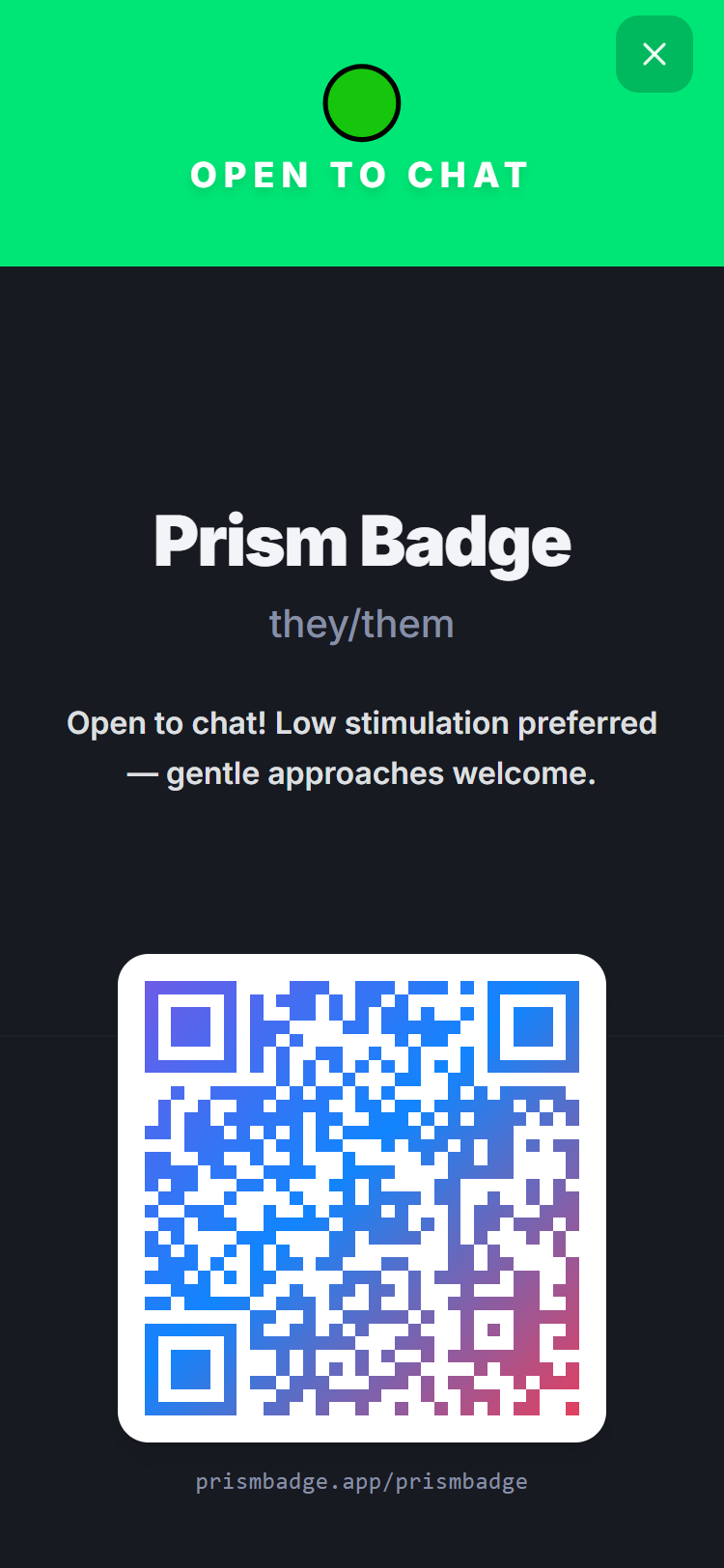
Open to chat
You're welcoming conversation and connection right now.
Proceed with care
You're around, but you'd appreciate a gentler approach.
Please give space
You need room right now — no interaction, no judgment.
Every title and description is fully yours to edit — these are just the starting point.
How it works
From sign-up to scan, in four steps
-
Step 1
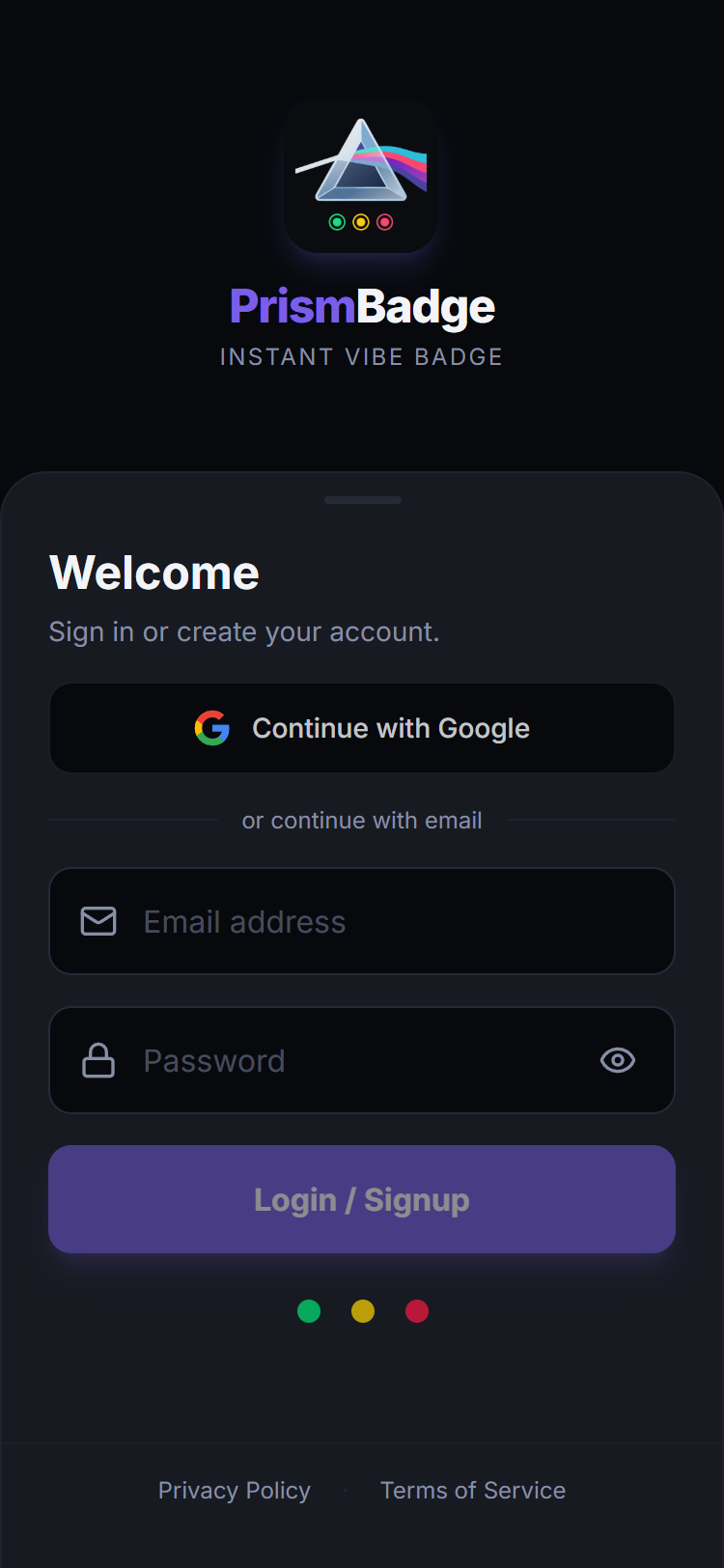
Sign up
Email + OTP or Google. No lengthy forms.
-
Step 2
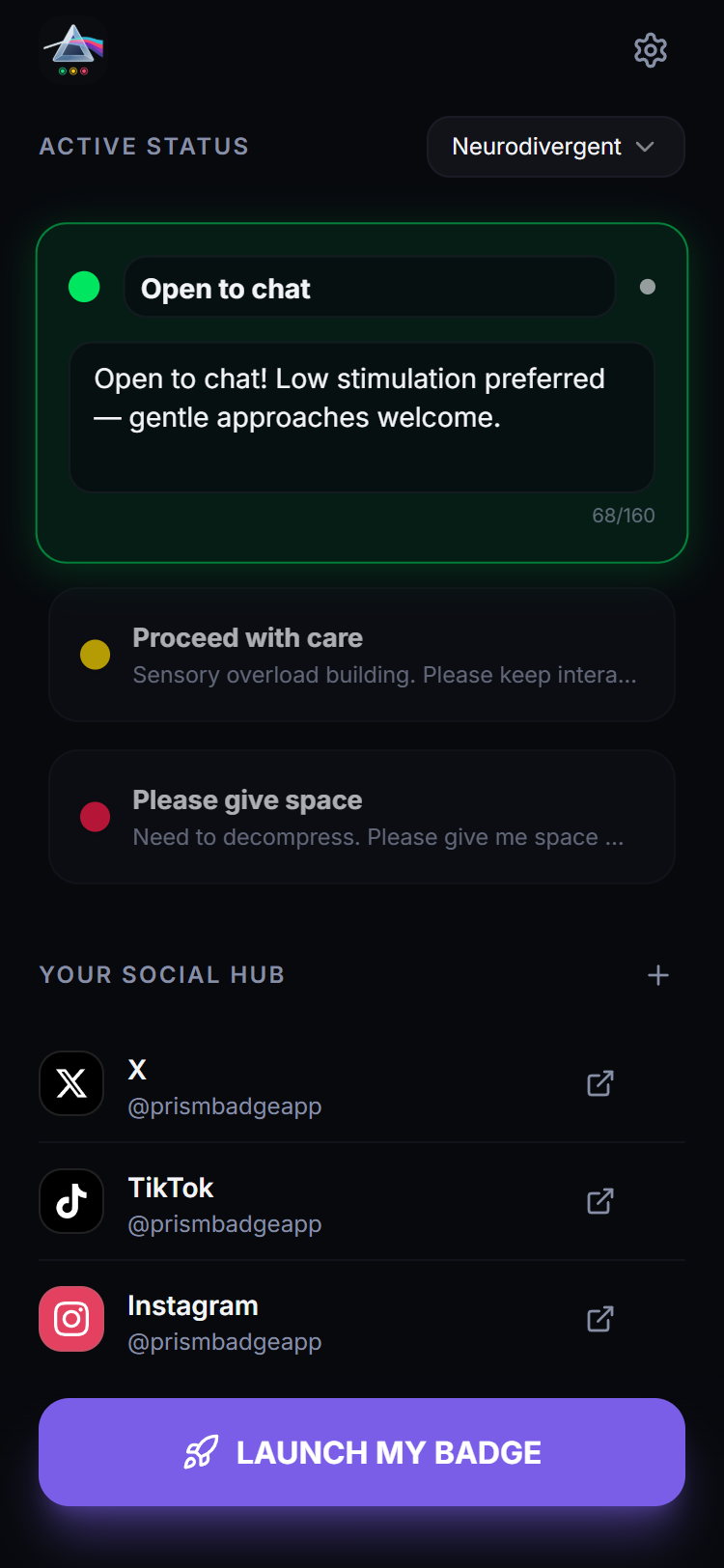
Set your vibe
Pick a template or write your own — change it anytime, in seconds.
-
Step 3
Launch your badge
One tap opens a full-screen badge with your color, name, and message.
-
Step 4
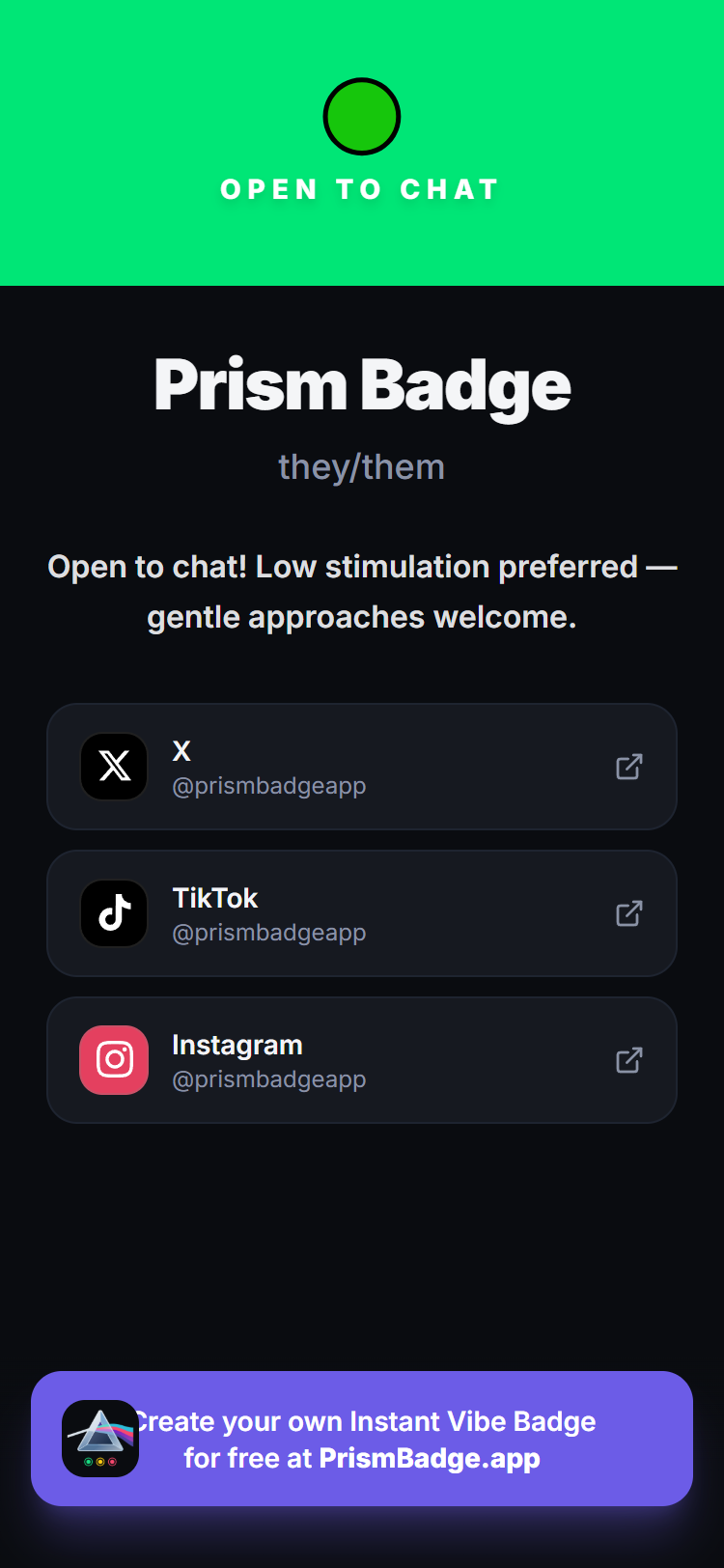
They scan, you connect
The QR links straight to your public profile and social hub at prismbadge.app/yourhandle.
Vibe templates
Templates for how you actually show up
Pick a preset built for your community during setup, or start from a blank slate — every word is editable.
Neurodivergent
Quiet friendly
🟢 "Open to chat! Low stimulation preferred — gentle approaches welcome."
🟡 "Sensory overload building. Please keep interactions brief and calm."
🔴 "Need to decompress. Please give me space — no interaction right now."
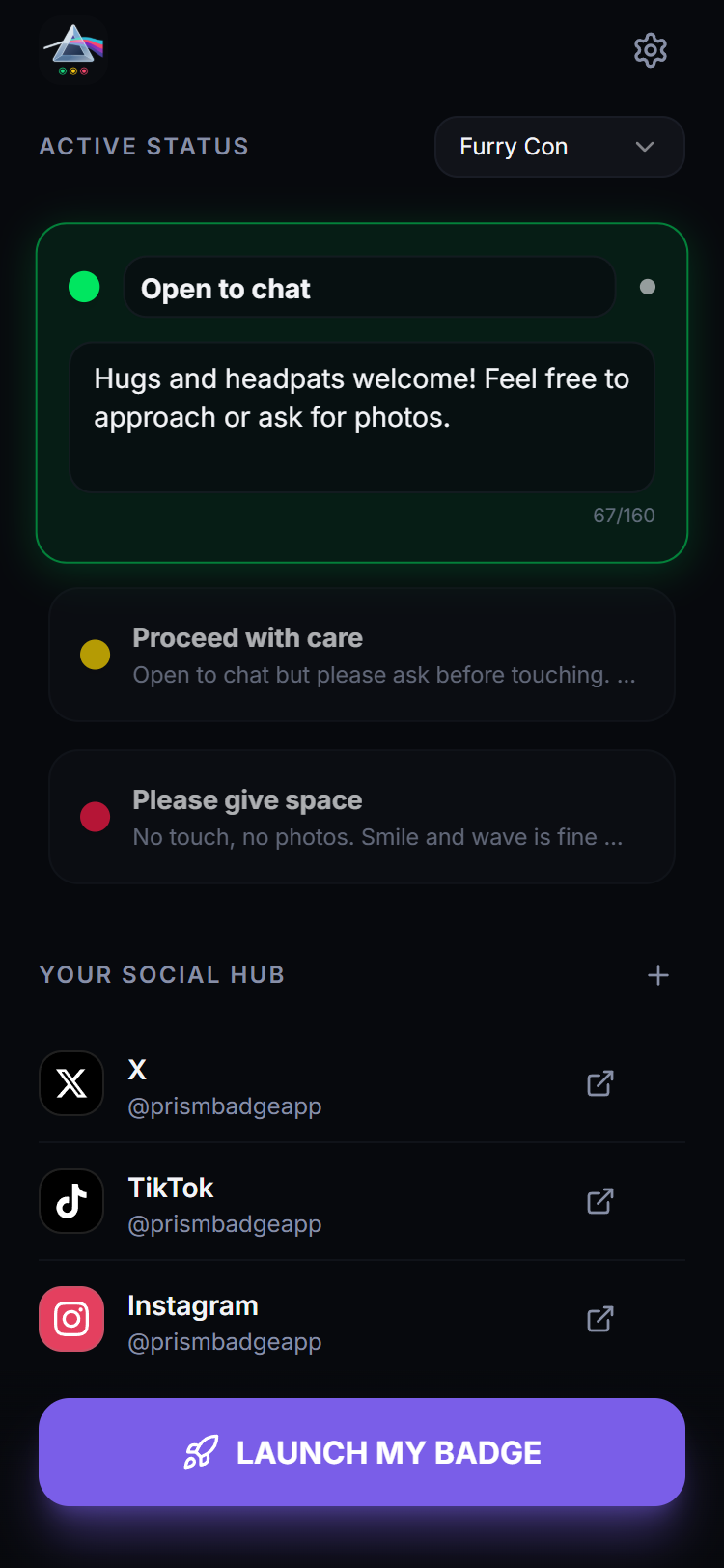
Furry Con
Tactile boundaries
🟢 "Hugs and headpats welcome! Feel free to approach or ask for photos."
🟡 "Open to chat but please ask before touching. No photos right now."
🔴 "No touch, no photos. Smile and wave is fine — space is appreciated."
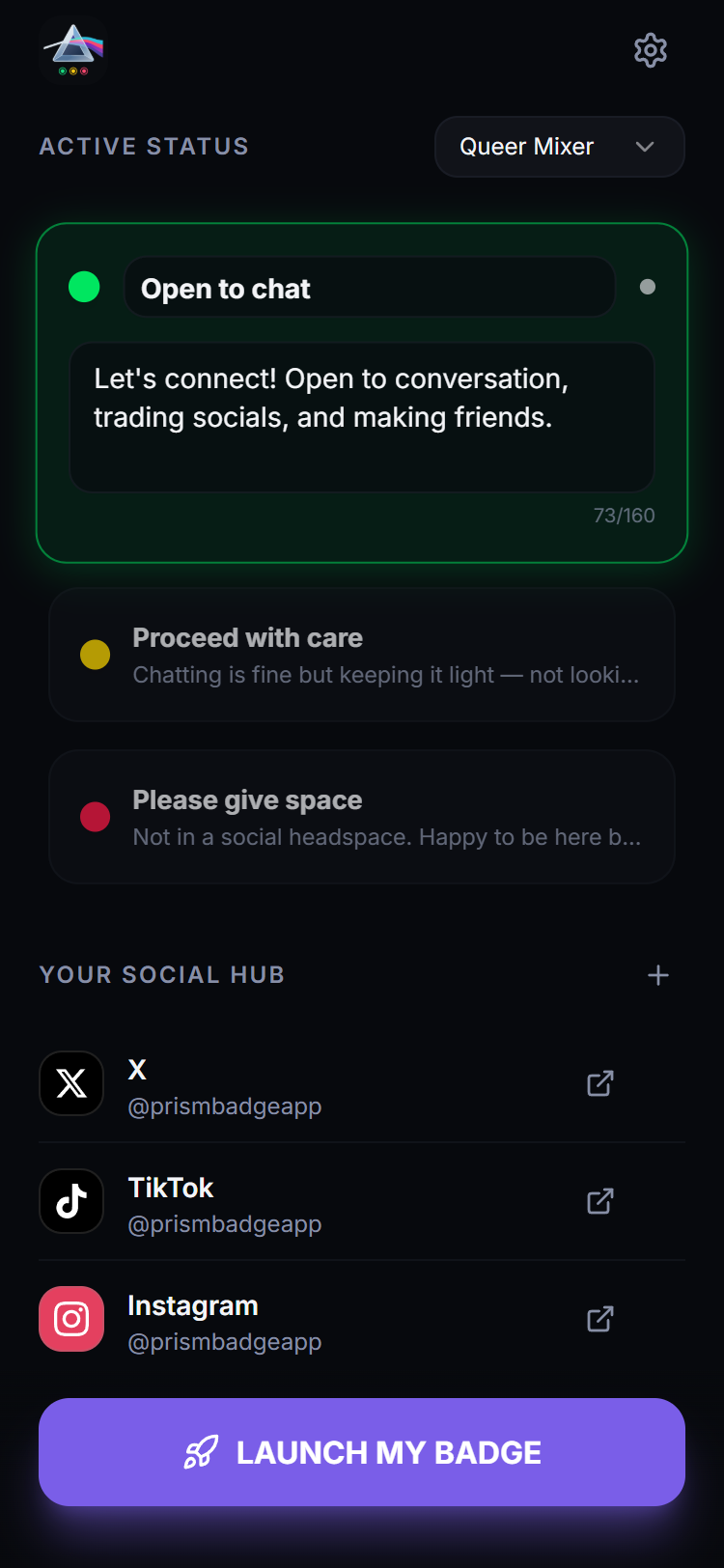
Queer Mixer
Social networking
🟢 "Let's connect! Open to conversation, trading socials, and making friends."
🟡 "Chatting is fine but keeping it light — not looking for deep convos right now."
🔴 "Not in a social headspace. Happy to be here but need solo time."
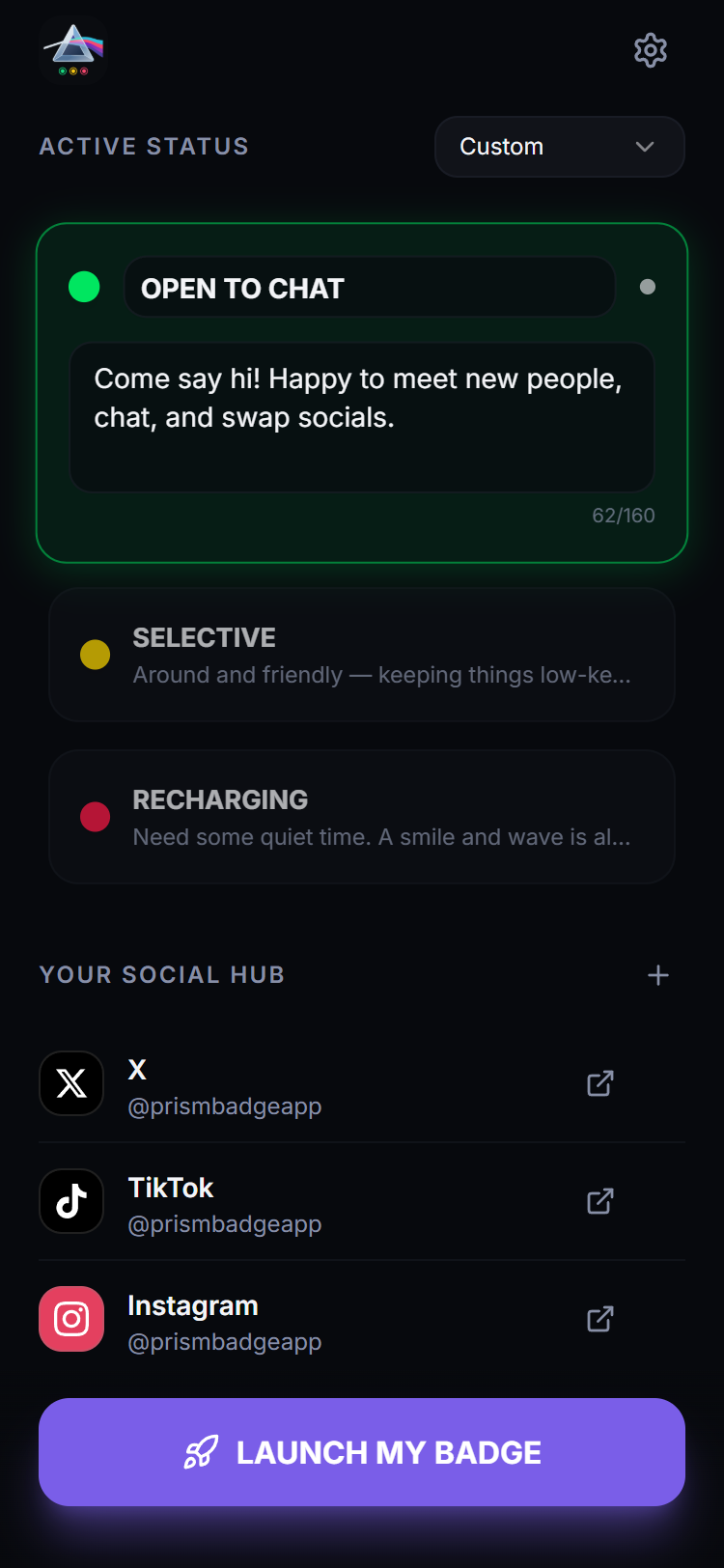
Custom
Your words, your rules
A blank slate. Write status messages that actually sound like you.
Everything in the badge
One badge. Every boundary.
Full-screen vibe badge
Color, emoji, name, pronouns, and a QR code — glanceable from across the room.
Traffic-light status system
Green, yellow, and red — every title and description is fully editable.
Vibe templates
Presets for neurodivergent, furry con, and queer mixer scenarios — or write your own.
Public profile page
A shareable page at prismbadge.app/yourhandle, linked straight from your badge's QR code.
Social hub
A link-in-bio for every platform you use, right on your profile.
Pronouns front and center
Shown clearly on your badge and profile — no digging required.
Five appearance modes
Light, Dark, Low Sensory Light, Low Sensory Dark, and System — try them with the switcher above.
App Lock
Require biometrics or your device PIN to open PrismBadge, so your vibe stays private until you're ready.
Accessible by default
Mobile-first, keyboard- and screen-reader-friendly, with WCAG-AA contrast throughout.
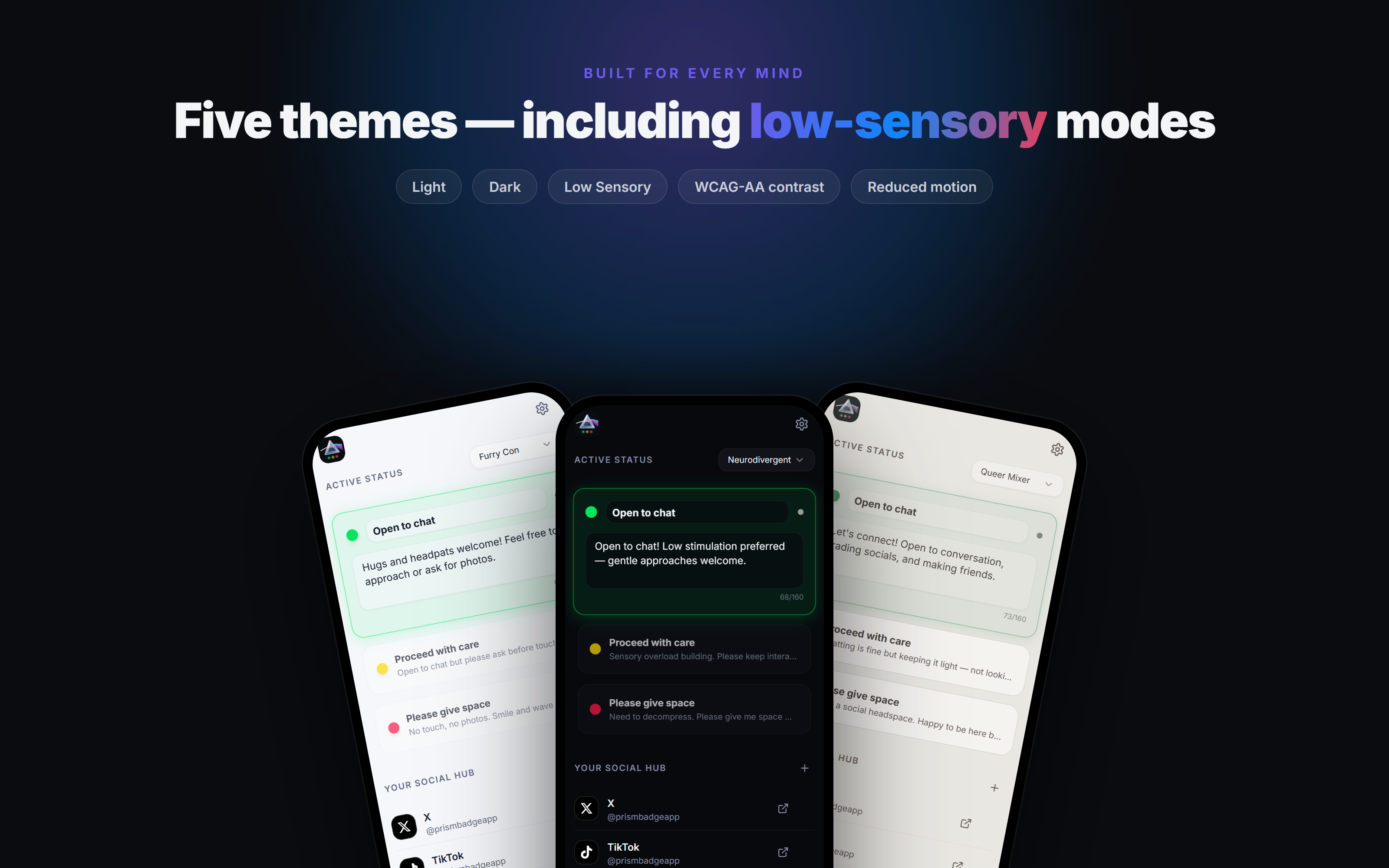
Accessible by design
Built with not just for sensory-sensitive and neurodivergent users
Low Sensory mode isn't a filter bolted on top, it's a full theme with muted, low-stimulation colors, a softened logo mark, and no parallax or decorative motion.
- ✓ Reduced motion — no parallax, no decorative animation
- ✓ Muted, low-stimulation color palettes
- ✓ Softened logo mark in low-sensory modes
- ✓ WCAG-AA text contrast, everywhere
- ✓ Consent-forward language and pronouns front and center
This website follows the same rules. Try the theme switcher in the header, or your device's reduced-motion setting.
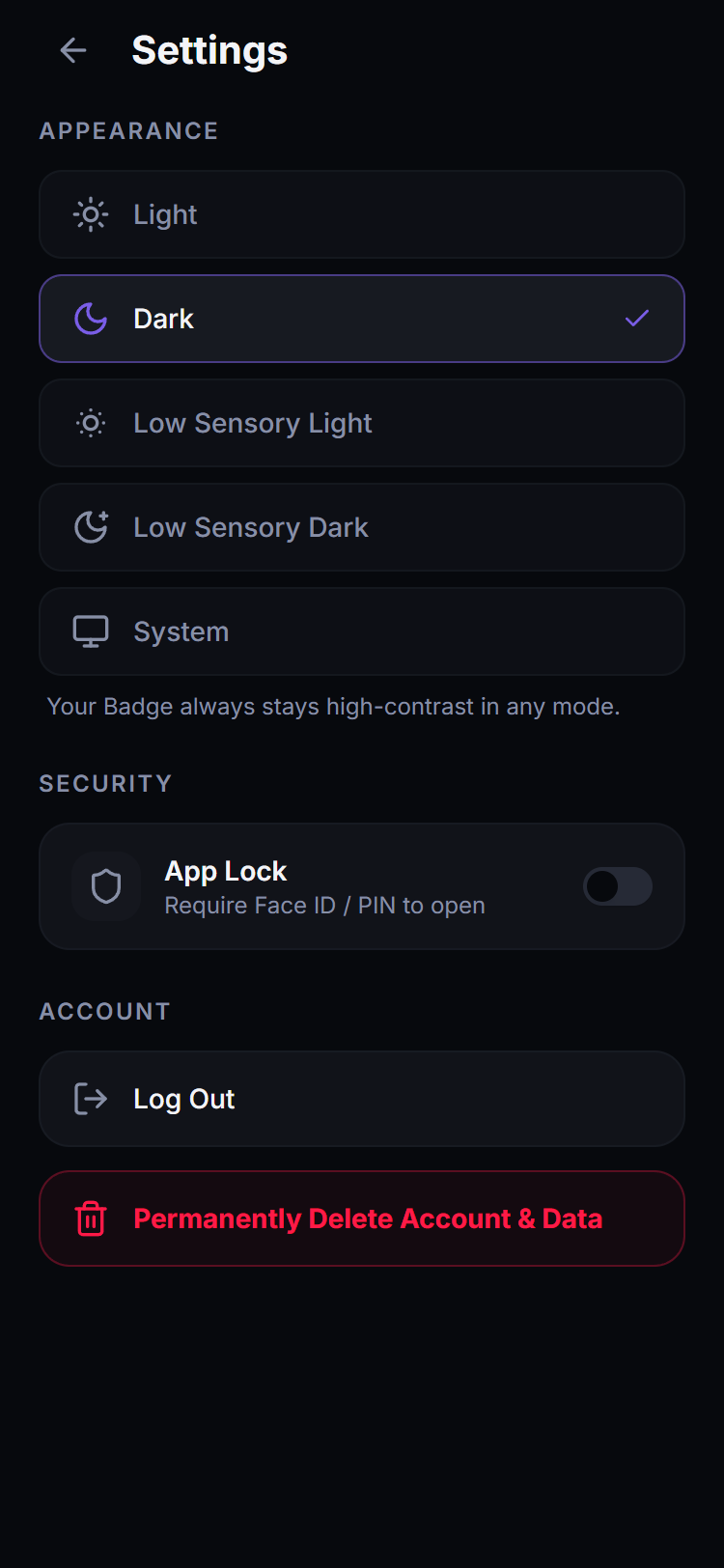
Standard
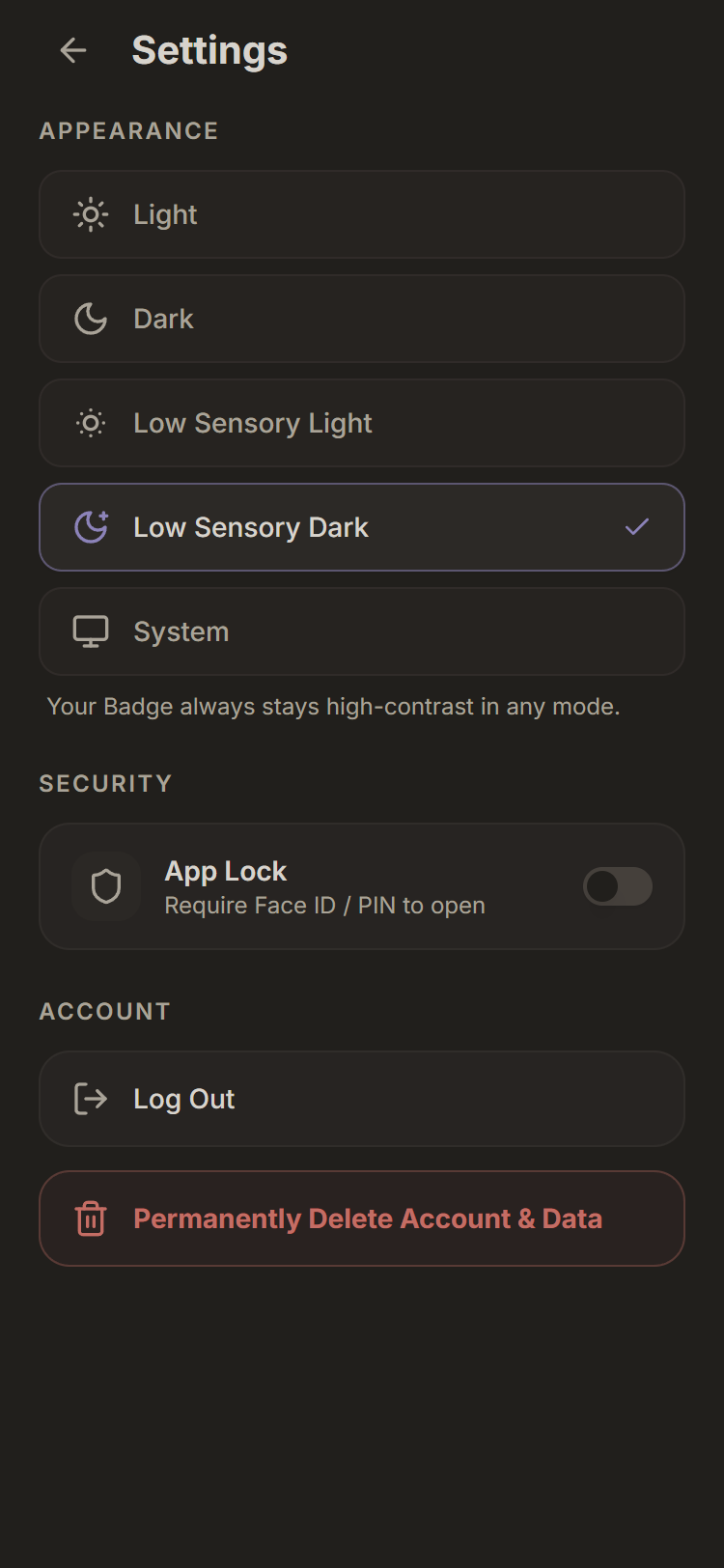
Low Sensory
Ready to show your vibe?
Free on Google Play. Set up your badge in under two minutes.
Or explore the live app at prismbadge.app